
Get more done.
Every day.Get more done.
Every day.
Stay focused, block distractions and get more done. Guaranteed productivity gains within 3 days.
Get on Microsoft StoreSee it in action
Built for Individuals, Not Corporate Teams.
No bloated features. No team dashboards. Just you, your work, and the tools needed to execute your vision without distractions killing your momentum.

Hover to see blocked page
Block the Noise.
Focus on What Matters.
Fully customizable workflows let you choose exactly which websites and apps are allowed and which ones get blocked. Stay in flow and get more done faster.
- Block any app/website
- Customizable Pomodoro timer
- Show your live focus timer + current task
- Whitelist/blacklist workflow modes

Smart Calendar & Day Planner
Plan your day so you always know exactly what needs to get done - no excuses. Drag, drop, and lock in deep-work sessions with a clear view of your entire day.
- Drag-and-drop task scheduling
- Circular clock visualization
- Daily & monthly calendar views
Daily Activity



See Where Your Time Actually Goes
See the brutal difference between real work and distractions.
- Automatic desktop app & website tracking
- Visual pie charts & 24-hour timeline
- Daily & weekly productivity views
Focus Time
Track Progress. Build your momentum.
See your best work days, longest streaks, and what projects you spend your time on. Build consistency like a muscle.
- Weekly focus trends & best focus days
- XP system & streak tracking
- Project-level progress insights
Projects

Focustra (App)
3 tasks to do
Focustra (Marketing)
3 tasks to do
Personal
3 tasks to do
Learning
2 tasks to do
Dropshipping
4 tasks to do
New Project
Organize Everything. Stay On Track.
Manage projects and tasks with an intuitive interface that keeps you focused on what matters.
- Create and organize projects with custom icons
- Track task completion with progress indicators
- Favorite important projects for quick access
Everything You Need, Nothing You Don't
Stop paying for RescueTime, Toggl, Freedom, Notion, Forest, and Habitica. Focustra combines all six capabilities in one beautiful, privacy-first app.
Activity Tracking
Every second counts. Automatically tracks apps and websites with zero manual input. See exactly where your time goes.
Time awareness improves performance & well-being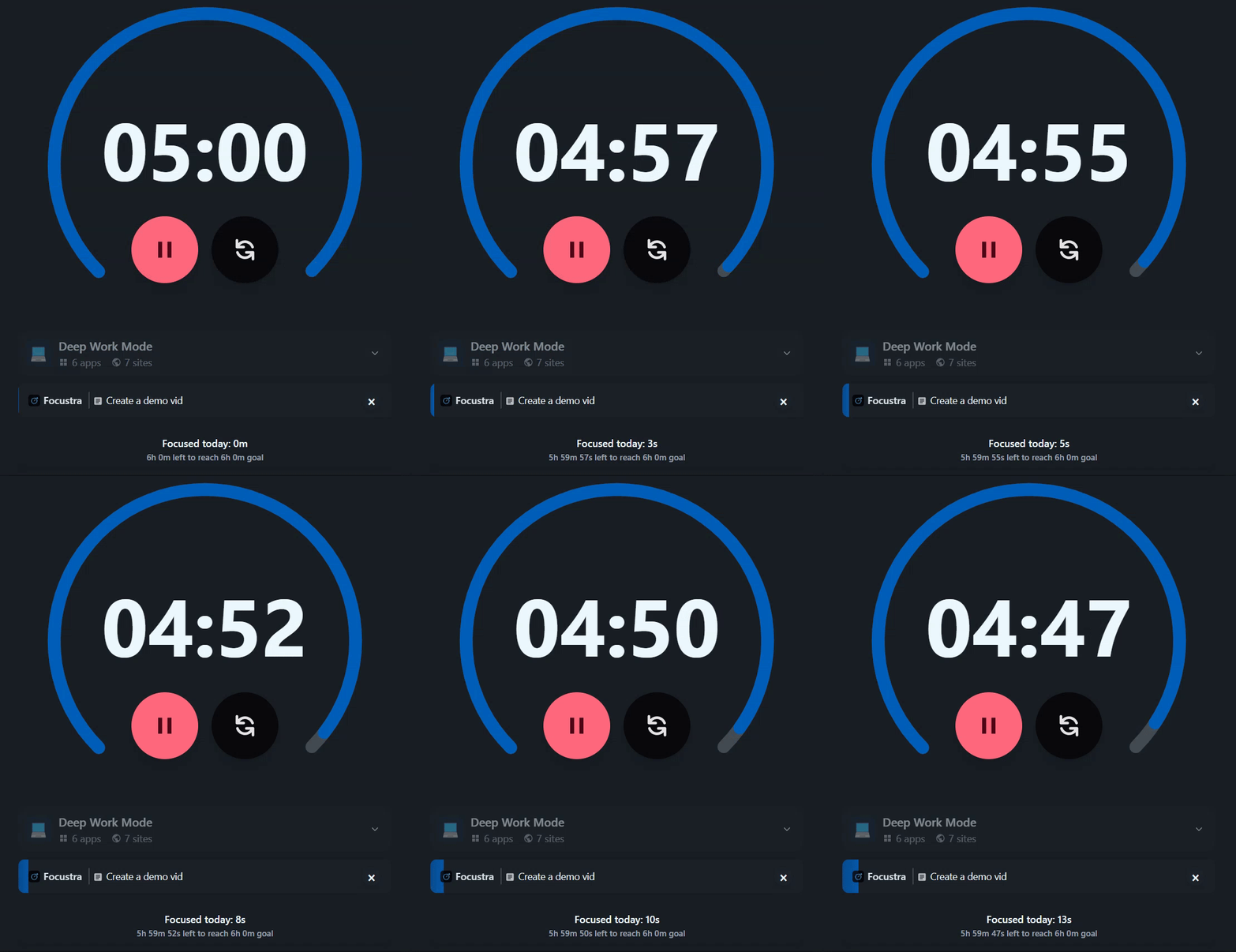
Pomodoro Focus Timer
Customizable countdown with circular progress. Link to tasks, track daily goals and add your workflow. Pomodoro that actually helps you get things done.
Brief breaks prevent focus decline & mental fatigueWorkflow Blocking
Choose whitelist (block everything but those apps/websites) or blacklist mode (block only certain apps/websites) from workflow templates or create your own custom one.
Blocking interruptions reduces cognitive loadMini Widget Bar
Always on top overlay when main application is minimized. Easily see the task your working on and how much time you have left. Quickly add tasks or pause the timer. without needing to switch windows.
Visible cues reduce cognitive demandProjects & Tasks
Manage your projects and tasks effortlessly. Create projects with custom icons and add tasks inside them. Track your progress at a glance and stay organized.
Setting specific goals improves performanceCalendar View
Daily and monthly views. Schedule tasks with time slots, drag to reschedule. Visual way to plan your days and see your progress (Level 3 unlock)
Scheduling improves performance & well-being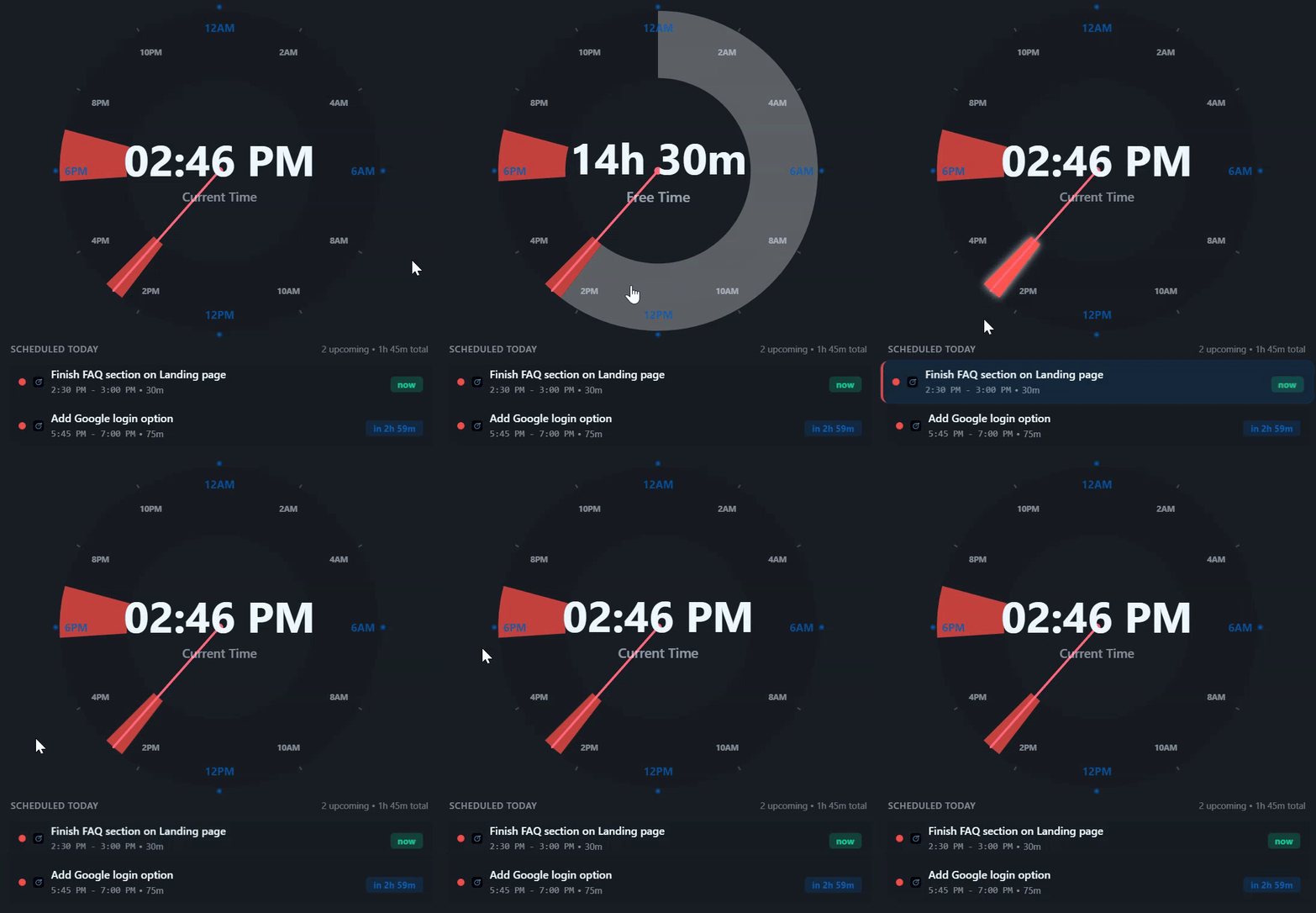
Day at a Glance
24-hour circular clock shows scheduled tasks for today. Easily see an overview of all the tasks that need to get done today. (Level 3 unlock)
Visual cues improve task recall by 28%Analytics & Statistics
Comprehensive productivity insights with weekly trends and peak performance hours. Track focus streaks and project time allocation across all time periods with visual analytics.
Progress monitoring promotes goal attainmentProgression System
Level up by staying productive. Each level unlocks new features and capabilities. The app becomes more capable as you keep using it.
Gamification enhances productivityAdvanced Settings
Customize tracking preferences, appearance and data management. Choose from 35+ themes and customize motivational quotes. Full control over every aspect of your experience.
More Features Coming
We're constantly working on new features and improvements. Have an idea? Submit feature requests directly in the app.
One app. One purchase. 9+ integrated features to maximize productivity.
See PricingPricing
One App. One Price. Unlimited Productivity.
Save money by replacing multiple subscriptions with one simple purchase.
Lifetime
Pay once, own forever
$69.99
$44.99
USD
- Everything included
- One-time payment (no subscription)
- Lifetime updates included
- 14-day money-back guarantee
Pay once. Access forever.
14-day full refund if no productivity gains
Build more.
Scroll less.
Stop losing hours to distractions. Focustra keeps you in flow state. Automatically tracking your focus, blocking time-wasters, and helping you ship faster.
0hrs+
Reclaimed per week on average
0x
More deep work sessions daily
0%
More tasks completed daily
0%
Of distractions blocked
What's Your Time Worth?
Estimate the potential value of your reclaimed productivity
Potential monthly savings
$550
Based on up to 2 hours saved daily × 22 workdays
Ready to focus?
Join builders who are shipping faster than ever
Productivity Guarantee
Productivity guaranteed or full refund. If you don't see measurable productivity gains within 3 days of using the app, we'll give you a full refund (14-day money-back guarantee).
What have you got to lose?
FAQ
Frequently Asked Questions
Focustra is designed to increase your productivity by providing fast automatic tracking, distraction blocking, and structured focus sessions that make it hard not to get more done. If you don't see meaningful improvement within 3 days, we'll refund you fully (14-day money-back guarantee).
Focustra replaces time tracking apps (RescueTime, Toggl), distraction blockers (Freedom, Cold Turkey), focus timers (Forest, Focus@Will), task managers (Todoist, TickTick), and habit trackers (Habitica). Instead of paying $40-50/month for 6+ separate subscriptions, you get everything in one app for a fraction of the cost.
Absolutely. Everything stays on your computer in a local SQLite database. We only collect the minimal information required for authentication, nothing about your usage or behavior.
No, it's optional. The desktop app tracks applications automatically. The Chrome extension adds individual website tracking for more granular data, showing you exactly which sites you spend time on instead of just "Google Chrome"
Workflow blocking is optional. You can use Focustra purely for time tracking and analytics if you prefer. All features work independently and together seamlessly.